
Trustreviewsx may earn a commission when you buy through links on this page, at no extra cost to you. This does not affect our ratings.
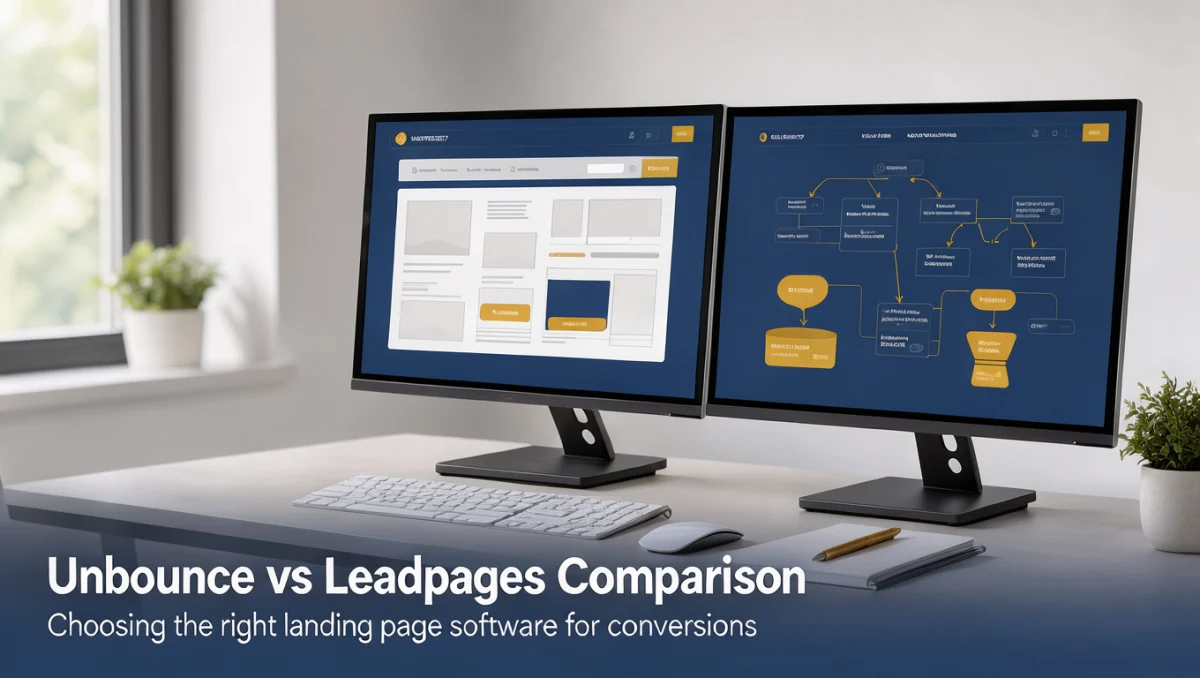
Unbounce vs Leadpages represents an important choice between advanced landing page customization and streamlined lead capture tools. Both platforms serve businesses seeking to convert web traffic into leads and sales, yet their core architectures address different campaign priorities. Learning how each tool structures page design, user flows, and campaign management helps teams choose the software that matches their marketing goals.
Readers consulting Trust Reviews X will find that selecting between these two landing page builders comes down to team technical comfort and campaign complexity. While one platform concentrates on deep design flexibility and dynamic personalization, the other emphasizes rapid page creation and simple audience engagement.
Quick verdict: Evaluating the unbounce vs leadpages decision produces an overall Trustreviewsx score of 7.9/10. The balance favors Unbounce for performance marketers needing deep design adjustments, while Leadpages fits small business owners and content creators seeking fast deployment without complex setup hurdles.
| Metric | Evaluation Summary |
|---|---|
| Trustreviewsx score | 7.9/10 |
| Best for | Marketing teams wanting granular layout control and conversion experimentation |
| Not ideal for | Operators who want a single all-in-one content site builder without dedicated landing pages |
| Key strengths | Specialized conversion design tools and focused lead generation workflows |
| What to check before buying | Confirm user seating rules and monthly traffic limits on official vendor pages |
1. How Trustreviewsx Reviewed Unbounce vs Leadpages
This review looks at what Unbounce and Leadpages are built to do, who they serve, and how they compare with similar tools, using the seven Trustreviewsx criteria: features, ease of use, pricing and value, integrations, audience fit, support and competitive position. Plans, prices and limits change often, so we point out what to confirm on the official website before you buy. This article was researched and drafted with the help of AI tools, then reviewed and edited by the Trustreviewsx Editorial Team.
2. Quick Comparison and Positioning Overview
Understanding where these platforms focus their development helps clarify which software serves your operational requirements. Landing page builders serve distinct niches within the conversion optimization category.
| Tool | Best for | Core strength | Consider if |
|---|---|---|---|
| Unbounce | Agencies and performance marketers | Granular visual editing and variant experimentation | Your campaigns require precise pixel placement and layout variations |
| Leadpages | Small business owners and solo entrepreneurs | Structured templates and quick lead publishing | You need straightforward lead collection assets launched in minimal time |
Unbounce operates as a specialized landing page optimization platform created to help marketers build, publish, and test tailored campaign pages. The tool focuses on layout freedom, allowing teams to construct landing pages that align with paid ad sets and targeted promotions.
Leadpages operates as a lead generation software system that provides templates for landing pages, alert bars, and pop-up forms. The system targets creators and small businesses seeking to establish a web presence and collect contact information without handling detailed design mechanics.
3. Features for Landing Page Creation
Landing page platforms provide distinct design tools that shape how teams build their digital campaigns. Evaluating feature sets requires looking at how each platform handles page construction, conversion assets, and visitor tracking.
3.1. Page Building Mechanics
Unbounce employs a visual design system that allows creators to position elements freely across the desktop and mobile views. This approach enables marketing specialists to build unique brand experiences, adjust margins manually, and tailor mobile presentations independently from desktop versions. For businesses investing heavily in paid digital traffic, this control allows precise alignment between ad copy and page assets.
Leadpages uses a structured, grid-based layout editor. Content blocks snap into designated rows and columns, ensuring that pages maintain mobile responsiveness automatically. While this structure limits manual placement adjustments, it prevents design breakage and reduces formatting time for non-technical creators.
3.2. Conversion and Lead Capture Elements
Lead generation tools rely on sticky bars, pop-up forms, and multi-step opt-in boxes to engage prospective buyers. Leadpages provides native components for capturing subscriber details across various digital touchpoints, including pop-ups that can be embedded on external websites.
Unbounce includes focused tools for targeted overlays and dynamic text insertion, allowing campaign creators to swap keywords automatically depending on search queries. Modern platforms also adopt techniques from the broader Artificial Intelligence sector to assist with text suggestions and variant generation, making it sensible to verify current creative tooling on each provider website.
4. Ease of Use and Campaign Workflow
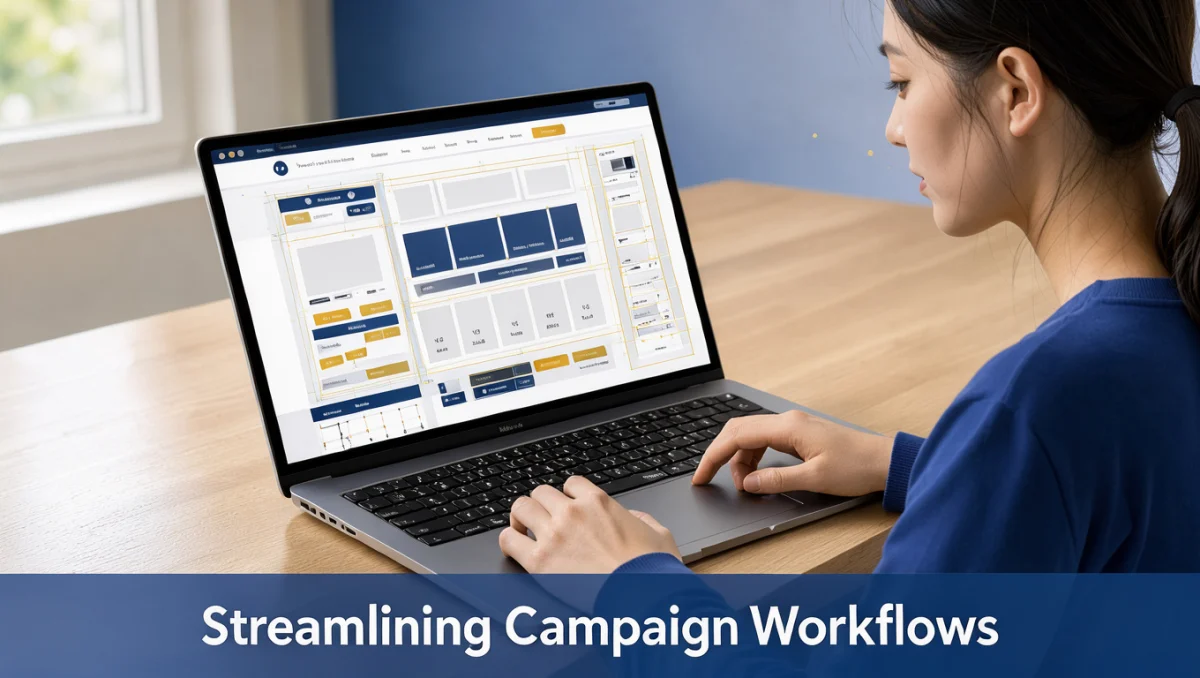
The learning curve of any marketing tool directly affects deployment speed and team productivity. Choosing between flexible customization and structured simplicity determines how quickly your team launches campaigns.
4.1. Visual Canvas and Editing Experience
Working within Unbounce resembles using professional graphic design software. Users who appreciate complete creative autonomy can arrange elements anywhere on the canvas. However, this flexibility requires users to spend time manually refining mobile viewports to prevent overlapping text or misaligned buttons.
Leadpages offers a straightforward interface where users select a pre-formatted design, replace placeholder text, and connect form destinations. Because the layout engine maintains responsiveness within predefined rules, builders can publish functional pages within short timeframes without deep design experience.
4.2. Template Management
Both platforms offer extensive template collections categorized by business goals such as lead generation, webinar registration, and sales page promotion. Leadpages emphasizes templates organized by historical conversion performance within its ecosystem, giving non-designers reliable starting points. Unbounce provides templates built around agency and client campaign structures that serve as foundations for custom branding.
5. Pricing Structure and Value Assessment
Subscription models for landing page software vary according to usage thresholds, account capabilities, and access rights. Understanding what drives overall platform cost helps buyers plan sustainable software budgets.
5.1. Cost Drivers in Landing Page Software
Software vendors in the landing page industry adjust subscription tiers based on several operational factors:
- Visitor traffic volumes, including monthly page views or unique visitors.
- The total number of published domains and active landing pages allowed on an account.
- Collaborative team access, such as separate user seats and client account management.
- Access to advanced experimentation capabilities, including multivariate testing.
Buyers should confirm on the official Unbounce pricing page and the official Leadpages pricing page what specific caps apply to visitor counts and domain connections before committing.
5.2. Evaluating Long-Term Return on Investment
Evaluating total value involves measuring team time spent against conversion results. When a business runs high-budget ad campaigns, the ability to improve conversion rates through deep page customization often offsets higher platform fees. Conversely, businesses generating modest traffic find greater value in affordable, structured solutions that require minimal maintenance.
6. Integrations and Marketing Stack Fit
Landing page builders must communicate smoothly with email marketing platforms, customer relationship managers, and payment gateways. Ensuring your new tool fits your current tech stack prevents operational friction.
6.1. Data Handoff and Automation
When a visitor submits an opt-in form, the landing page software sends contact details to an email provider or database. Both Unbounce and Leadpages provide standard connections to prominent email marketing platforms and automation services. However, buyers should confirm on the official vendor websites whether direct integrations exist for their specific CRM platforms or if intermediate webhook connections are required.
6.2. Analytics and Tracking Capabilities
Performance marketers need to install tracking scripts, conversion pixels, and analytics tags across their web properties. Both platforms accommodate tracking scripts within header and footer settings. Unbounce provides specialized reporting dashboards designed for split-testing evaluation, while Leadpages offers clear lead tracking that summarizes overall submission rates.
7. Audience Fit and Team Requirements
Matching software to team composition prevents unnecessary complexity and reduces workflow bottlenecks. Different business structures benefit from different page-building architectures.
7.1. Performance Marketers and Agencies
Unbounce caters directly to performance marketers, conversion rate optimization practitioners, and digital agencies. These users require deep control over visual presentation, dynamic keyword insertion for search ad alignment, and the ability to test multiple page versions simultaneously for client campaigns.
7.2. Solo Creators and Local Businesses
Leadpages serves independent consultants, small local businesses, educators, and content creators. These operators often balance multiple responsibilities and need a reliable method to collect newsletter signups, sell consultations, or announce local services without managing complex web development projects.
7.3. Organizations Requiring Complex Web Ecosystems
Neither tool replaces a full-scale content management system or enterprise e-commerce platform. Companies needing hundreds of interconnected blog posts, multi-tier user logins, or extensive product catalogs should look toward specialized web infrastructure rather than stand-alone landing page tools.
8. Customer Support and Platform Reliability
Reliable software access and competent troubleshooting resources ensure that marketing campaigns run without disruption. Campaign managers must consider support structures when launching critical promotional periods.
8.1. Support Channels to Verify
Software providers offer varying levels of customer assistance based on subscription tiers. Before purchasing, verify on the official Unbounce and Leadpages websites which plans provide real-time chat, email ticketing, or scheduled phone support, and note the operating hours for those channels.
8.2. Documentation and Self-Service Resources
Both platforms maintain extensive knowledge bases, video walk-throughs, and marketing resource libraries. Self-service documentation helps teams resolve formatting questions, configure custom domain records, and troubleshoot form submission settings independently.
9. Competitive Position in the Landing Page Market
The landing page creation market includes several dedicated alternatives, including Instapage, ClickFunnels, and native page builders integrated within broader marketing hubs like HubSpot. Within this landscape, Unbounce maintains its position by catering to conversion experimentation specialists, while Leadpages remains focused on accessible lead generation assets for resource-conscious businesses.
10. How to Decide Between Unbounce and Leadpages

Choosing the right platform requires an honest assessment of your technical skills, ad spend, and marketing workflow. Following a structured evaluation checklist helps eliminate uncertainty.
10.1. Evaluation Checklist
| Evaluation Factor | Unbounce Focus | Leadpages Focus |
|---|---|---|
| Design Freedom | High, open visual canvas | Structured, template-guided |
| Setup Speed | Requires time for manual positioning | Rapid, pre-formatted publishing |
| Campaign Type | Targeted paid ad conversions | Lead magnets and simple service sales |
| Skill Requirement | Basic understanding of design principles | Accessible for complete beginners |
10.2. Decision Steps
- Identify your primary traffic source: If most traffic originates from targeted paid ad campaigns requiring precise ad-to-page alignment, favor Unbounce.
- Evaluate your team bandwidth: If you lack a dedicated designer and need to publish lead pages within hours, favor Leadpages.
- Examine external tools: List your email marketing, analytics, and CRM services, then verify direct compatibility on the official software sites.
- Review monthly visitor projections: Compare your expected web traffic against the visitor allowances listed on official plan pages.
11. Frequently Asked Questions
How should buyers evaluate page load speed between landing page builders?
Buyers should test sample templates on standardized website performance tools to observe how asset compression and hosting networks handle mobile traffic. Clean coding, optimized image files, and server infrastructure all contribute to page load times, making individual template testing a smart preliminary step.
What hidden expenses often accompany landing page software?
Subscribers should account for custom domain registration fees, transaction charges on digital product sales, premium font licenses, and potential third-party connector subscriptions. Reviewing official vendor documentation ensures you understand which features require external services or higher plan levels.
Can a business run effective campaigns without prior graphic design experience?
Structured template systems allow non-designers to launch clean campaigns by relying on pre-tested typography, color pairings, and button placements. Choosing a platform with rigid responsive containers prevents accidental alignment errors and helps beginners publish professional pages reliably.
When should an organization transition from basic templates to custom layouts?
Organizations should consider transitioning when increasing digital advertising budgets justify continuous testing of specific design components. If small conversion improvements yield meaningful revenue growth, the investment in granular layout editing and custom variant testing becomes valuable.
12. Final Verdict and Rating Summary
The choice between Unbounce and Leadpages hinges on whether your organization values creative autonomy or publishing speed. Both platforms successfully capture leads and support marketing goals, but their interfaces serve distinct operational mindsets.
| Criterion | Score /10 | Reason |
|---|---|---|
| Features | 8.6 | Strong conversion tools, dynamic text adaptation, and dedicated variant testing capabilities. |
| Ease of Use | 7.8 | Granular design options create a steeper learning curve than simple structured builders. |
| Pricing and Value | 7.2 | Higher operational costs mean buyers must confirm traffic caps on official plan pages. |
| Integrations | 7.6 | Covers major email and CRM tools, with webhook connectivity for custom setups. |
| Audience Fit | 8.5 | Clear separation between conversion specialists and small business lead gatherers. |
| Support | 7.4 | Vendor documentation is thorough, though direct support access depends on plan tiers. |
| Competitive Position | 8.3 | Holds a distinct role focused on optimization compared to broad marketing suites. |
Overall score: 7.9/10
For performance marketers running targeted paid traffic campaigns, Unbounce provides the design depth needed for conversion optimization. For independent entrepreneurs and small business operators seeking straightforward lead capture, Leadpages delivers an approachable, time-efficient solution.
Readers with further questions about landing page platforms and software selection are welcome to contact our editorial team at https://trustbenchx.com/contact/ or follow Trustreviewsx on LinkedIn at https://www.linkedin.com/company/trustreviewsx/.