

Trustreviewsx may earn a commission when you buy through links on this page, at no extra cost to you. This does not affect our ratings.
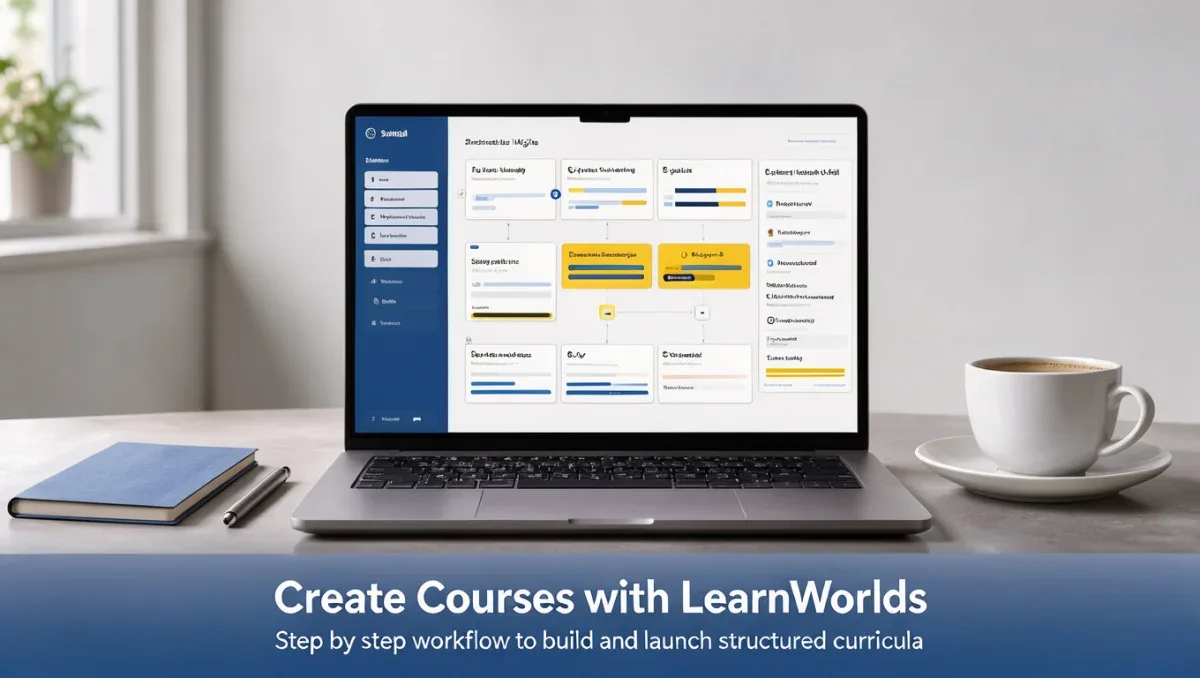
How to create an online course with LearnWorlds requires a clear content strategy, structured lesson planning, and careful administrative preparation. At Trust Reviews X, we look at learning platforms from a practical operations viewpoint to help educators and businesses launch training programs effectively.
Online course platforms simplify content delivery and learner tracking, but organizing your curriculum before touching software settings ensures a smoother production process. This guide outlines the essential workflow from preparation to delivery so your training program meets professional standards in 2026.
Quick answer: Master how to create an online course with LearnWorlds by gathering your assets, structuring modules logically, configuring assessment checkpoints, and testing learner navigation. Complete each stage methodically before public enrollment to protect your instructional quality.
| Evaluation Factor | Details |
|---|---|
| Who this guide is for | Course creators, trainers, corporate instructors, and coaches planning digital curricula. |
| What you need before starting | Completed lesson outlines, media assets, activity prompts, and learner assessment goals. |
| What you will have at the end | A structured course syllabus, published learning paths, and an active enrollment mechanism. |
1. How Trustreviewsx Put This Guide Together
This guide combines what the software covered here is built to do with the Trustreviewsx buying framework, so you can make the decision that fits your business. Plans, prices and limits change often, so we point out what to confirm on the official website before you buy. This article was researched and drafted with the help of AI tools, then reviewed and edited by the Trustreviewsx Editorial Team.
2. Before you start: Preparing your course materials

Preparing digital assets beforehand prevents delays during configuration within your educational Content Management system. Having complete lesson text, recorded media, and assessment items ready reduces rework and helps maintain consistent quality across your instructional units.
- Organize video files, presentation slides, and reading materials into clearly titled module folders.
- Draft written objectives for each learning section so students understand anticipated outcomes.
- Prepare evaluation quizzes, assignment instructions, and grading rubrics in advance.
- Confirm account permissions and administrative access on the official LearnWorlds website.
3. Step-by-step workflow: Building your curriculum

Constructing an online curriculum involves translating raw knowledge into interactive learning activities. Follow this sequential workflow to assemble your program systematically.
- Draft your course blueprint: Define broad topic sections and break them down into bite-sized instructional units so learners can absorb complex topics without friction. Confirm syllabus organization options on the official LearnWorlds documentation.
- Upload instructional media: Place your lecture recordings, downloadable worksheets, and supplementary readings into their designated sections. Verify that file types and storage practices match the official LearnWorlds guidelines.
- Configure interaction points: Add knowledge check questions or reflective discussion prompts after key lectures to sustain learner attention. Review community engagement options on the official vendor site.
- Set progression rules: Decide whether students must complete lessons sequentially or whether open navigation serves your educational objectives better. Check access control configurations on the official LearnWorlds portal.
- Review preview screens: Step through every module from the learner perspective to catch missing links, broken attachments, or unclear instructions. Verify checkout and access workflows on the official vendor platform before welcoming enrollments.
4. Your first 30 days: Establishing your course routine
Launching a curriculum requires ongoing oversight to support students and refine delivery. Establishing a consistent administrative rhythm during your first month keeps your program running smoothly.
| Timeframe | Routine to build | Why it matters |
|---|---|---|
| Week 1 | Monitor onboarding flow and enrollment confirmations | Catches account delivery issues immediately to prevent early learner drop-off. |
| Week 2 | Review completion rates across early modules | Identifies lessons where learners encounter friction or spend unexpected time. |
| Week 3 | Gather initial student feedback through surveys | Reveals ambiguities in lesson text and opportunities for clearer explanations. |
| Week 4 | Audit assessment submissions and grading turnaround | Ensures instructional support keeps pace with learner progress over time. |
5. Common mistakes and how to avoid them
Instructional design errors frequently create confusion for students and administrative overhead for instructors. Addressing these pitfalls early preserves course engagement.
- Uploading unedited raw videos: Excessively long recordings cause cognitive fatigue. Split video lectures into focused topics lasting under fifteen minutes.
- Skipping intermediate assessments: Waiting until a final exam leaves learning gaps unnoticed. Insert brief formative quizzes throughout each module.
- Neglecting mobile readability: Complex tables and tiny fonts frustrate mobile learners. Keep text concise and test presentation files on smaller screens.
- Overlooking access settings: Launching without verifying payment gateway links disrupts purchases. Verify all checkout settings on the official LearnWorlds pricing page.
6. When to ask for help
Developing specialized courses occasionally surfaces technical or instructional questions that benefit from expert guidance. Knowing when to escalate inquiries keeps your launch timeline intact.
- Seek platform assistance when course access permissions fail to grant automated enrollment after purchase. Confirm contact channels on the official LearnWorlds support center.
- Consult an instructional design professional if completion rates stall consistently on foundational modules.
- Engage technical specialists when connecting external customer relationship tools or custom domains.
- Speak with your accountant or tax advisor regarding digital product taxation and multi-region sales compliance.
7. Frequently asked questions
What content formats work best for an online curriculum?
Video lectures paired with downloadable reference guides and self-assessment quizzes create a balanced instructional mix. Combining auditory, visual, and applied exercises helps learners retain information effectively while accommodating different study environments.
How should lessons be structured to maintain high completion rates?
Break broader subjects into modules containing three to five bite-sized units. Providing clear summaries at the beginning of each unit helps students track progress and complete courses during short study sessions.
What should be verified before opening course registration?
Test the full student path from product selection to certificate generation. Check checkout processing, lesson sequence rules, and media loading times on the official LearnWorlds site before welcoming public enrollments.
Is technical assistance required to run an online academy?
Standard course delivery requires general computer literacy rather than programming background. When advanced API connections or specialized designs are necessary, consulting certified implementation professionals is advisable.
8. Next steps
Finalizing your online curriculum marks the start of your training operation. Focus on these administrative priorities to ensure a successful release.
- Conduct a complete dry run of every quiz and assignment to verify grading functionality.
- Check official LearnWorlds resources for current guidance on course marketing tools and email notifications.
- Establish weekly office hours or discussion schedules to stay connected with incoming students.
Have a question about choosing software? Send it to the Trustreviewsx team through our contact page or follow Trustreviewsx on LinkedIn for new reviews and comparisons.