
Trustreviewsx may earn a commission when you buy through links on this page, at no extra cost to you. This does not affect our ratings.
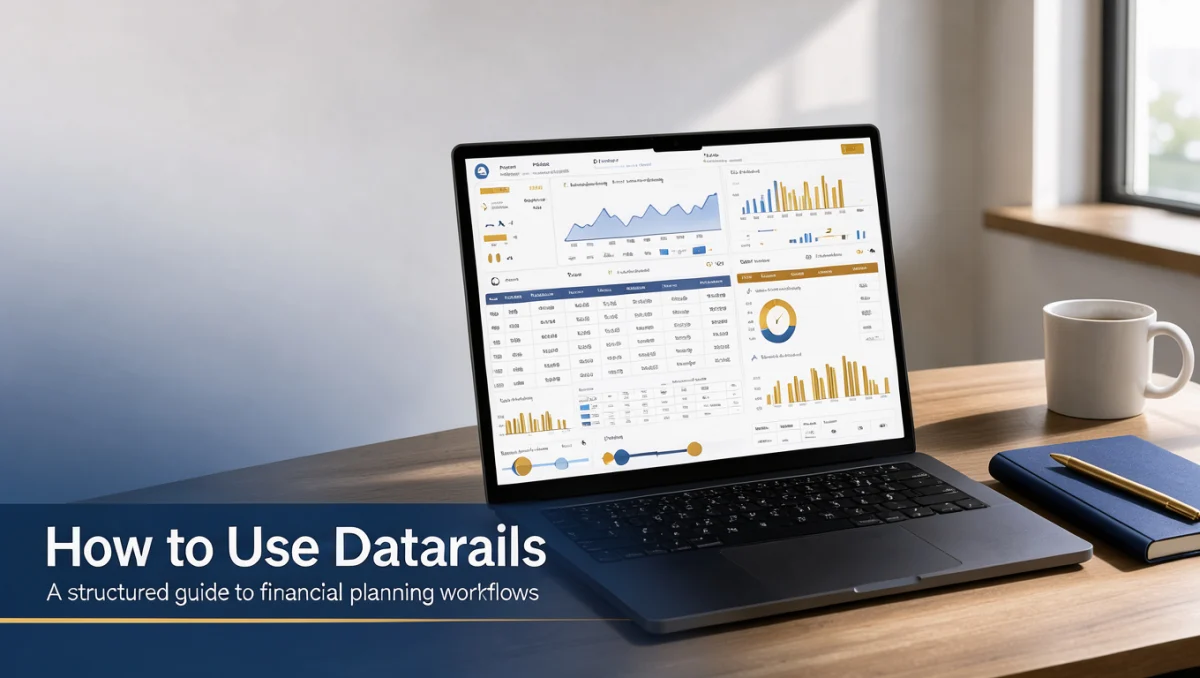
How to use Datarails starts with organizing historical financial data, mapping chart of accounts structures, and automating recurring consolidation routines. Finance professionals rely on dedicated planning environments to unify spreadsheet models without replacing the workbook format their departments already know. At Trustreviewsx, we break down software processes so decision-makers can plan deployments smoothly.
Understanding how to adopt this platform requires a clear sequence from initial chart normalization to scheduled variance analyses. By following a structured implementation path, finance leaders maintain data integrity across general ledger extracts, budgeting templates, and executive summaries while keeping everyday reporting cycles on schedule.
Quick answer: Learning how to use Datarails involves preparing clean trial balances, mapping spreadsheet workbooks to standardized database fields, automating periodic consolidation routines, and reviewing budget variances. Finance teams should verify source system connections, build reliable month-end validation checks, and consult certified finance professionals when standardizing complex multi-entity consolidation rules.
| Evaluation Dimension | Operational Guidance |
|---|---|
| Who this guide is for | Finance managers, corporate controllers, and financial analysts seeking automated consolidation and structured financial planning |
| What you need before starting | Clean chart of accounts, historical general ledger balances, current budgeting templates, and administrative database credentials |
| What you will have at the end | A repeatable financial reporting workflow, scheduled variance analysis routines, and documented month-end consolidation procedures |
1. How Trustreviewsx Put This Guide Together
This guide combines what the software covered here is built to do with the Trustreviewsx buying framework, so you can make the decision that fits your business. Plans, prices and limits change often, so we point out what to confirm on the official website before you buy. This article was researched and drafted with the help of AI tools, then reviewed and edited by the Trustreviewsx Editorial Team.
2. Before you start
Before launching any financial planning software rollout, your team must gather core transactional records and define reporting standards. Preparing source files beforehand prevents data mismatch errors during subsequent consolidation stages, especially when aligning multiple business units under modern Accounting operations across distributed subsidiaries.
- Historical general ledger extracts and trial balances covering relevant historical fiscal years.
- Standardized chart of accounts definitions, including department codes, cost centers, and intercompany elimination accounts.
- Existing spreadsheet reporting workbooks, including profit and loss sheets, balance sheets, and cash flow projections.
- Administrative access credentials for enterprise resource planning platforms and external payroll databases.
- Documentation of current month-end close schedules, approval hierarchies, and internal audit requirements.
3. Step-by-step workflow: how to use Datarails
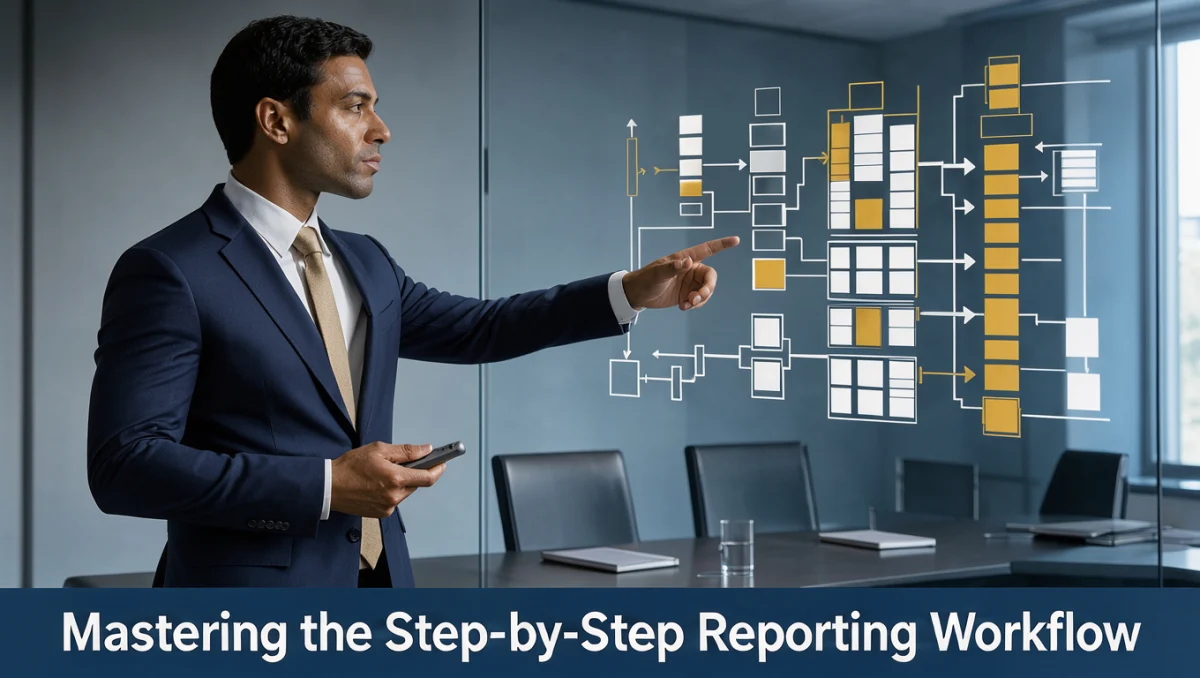
Mastering how to use Datarails requires establishing a disciplined sequence that bridges familiar desktop workbooks with centralized database structures. Following these milestones ensures reliable reporting without disrupting ongoing quarterly operations.
- Audit and clean existing spreadsheets to eliminate broken formula references, hardcoded plugs, and conflicting naming conventions before connecting data sources.
- Map internal spreadsheet ranges to centralized database schemas so that each account number and entity tag matches organizational financial hierarchy rules.
- Run an initial baseline data consolidation to verify that imported general ledger balances match audited financial statements exactly.
- Construct standardized reporting templates for routine management packs, variance reviews, and rolling cash forecasts.
- Establish automated refresh cycles to pull regular general ledger updates directly into dynamic board presentation decks.
- Conduct scenario modeling routines to evaluate budget adjustments, head-count updates, and revenue shifts against baseline performance targets.
4. Your first 30 days
A phased adoption schedule keeps implementation organized while team members adapt to automated reporting routines. Research published on the Trust Reviews X software portal emphasizes staged implementation milestones over abrupt operational cutovers.
| Week | Routine to build | Why it matters |
|---|---|---|
| Week 1 | Data mapping and chart reconciliation | Establishes a single source of truth across historical general ledger numbers. |
| Week 2 | Template standardization and test syncs | Verifies that existing spreadsheet logic aligns with centralized records. |
| Week 3 | Parallel month-end reporting run | Identifies discrepancies between manual calculation workbooks and automated rollups. |
| Week 4 | Management deck review and routine scheduling | Empowers analysts to publish recurring financial packages without repetitive manual rework. |
5. Common mistakes and how to avoid them
Financial software adoptions often encounter obstacles caused by disorganized legacy practices rather than technical barriers. Watching for these common oversights protects internal reporting integrity.
- Importing unstandardized workbook layouts that contain inconsistent column headers or merged cell blocks across different business units.
- Overlooking intercompany transaction balances, which creates distorted consolidated revenue and expenditure totals.
- Neglecting access permission governance, allowing unauthorized staff members to overwrite baseline financial assumptions.
- Skipping parallel manual reconciliation cycles during the initial month of software deployment.
- Failing to document custom calculation formulas used in corporate management reporting packets.
6. When to ask for help
While structured software simplifies routine financial modeling, specific complex scenarios warrant specialized outside advice. Knowing when to escalate technical or functional challenges ensures compliance and operational stability.
- Complex foreign currency translation adjustments that require specialized accounting treatment under international reporting standards.
- Major entity restructuring, corporate acquisitions, or spin-offs that alter fundamental consolidation rules.
- Unresolved synchronization discrepancies between enterprise resource databases and centralized financial tables.
- Statutory tax compliance reviews, where certified public accountants must verify regulatory reporting accuracy.
7. Frequently asked questions
What level of spreadsheet proficiency is necessary for this platform?
Users should possess a solid understanding of spreadsheet formulas, financial modeling conventions, and pivot structures. Because financial planning software often preserves familiar workbook environments, finance professionals who already manage budgeting templates can adapt their existing skills smoothly without learning full software programming code.
How should a team handle multi-entity consolidation rules?
Teams should establish a standardized chart of accounts mapping table that clearly specifies elimination accounts for intercompany transactions. Verifying foreign exchange translation methodologies with certified accounting advisors before automating periodic consolidation cycles prevents reconciliation errors during corporate audits.
What steps ensure data consistency during software onboarding?
Running parallel reporting cycles alongside existing manual spreadsheets remains the most effective safeguard. Comparing line-by-line outputs for profit and loss balances, gross margins, and balance sheet lines over an entire month-end cycle uncovers discrepancies before final management sign-off.
Where can administrators confirm user permission limits?
Account administrators should check the official software documentation and plan specification pages to confirm administrative role assignments. Verifying access tiers directly with vendor support ensures that sensitive salary, bonus, and profit details remain restricted to authorized leadership roles.
8. Next steps on how to use Datarails
Successfully adopting financial planning technology requires deliberate organization, careful verification, and consistent maintenance routines. Teams looking to optimize how to use Datarails should proceed with structured next actions.
- Conduct an internal audit of all operational budgeting templates currently circulating across your finance department.
- Visit the official vendor documentation portal to confirm technical prerequisites for your specific general ledger system.
- Schedule dedicated planning workshops with department heads to standardize reporting criteria before automating workflows.
- Run a complete parallel consolidation cycle during your upcoming close to validate automated outputs against historical benchmarks.
Have a question about choosing software? Send it to the Trustreviewsx team through our contact page or follow Trustreviewsx on LinkedIn for new reviews and comparisons.