
Some links on this page are affiliate links, so Trustreviewsx may earn a commission if you purchase through them. This comes at no extra cost to you and does not influence our ratings.
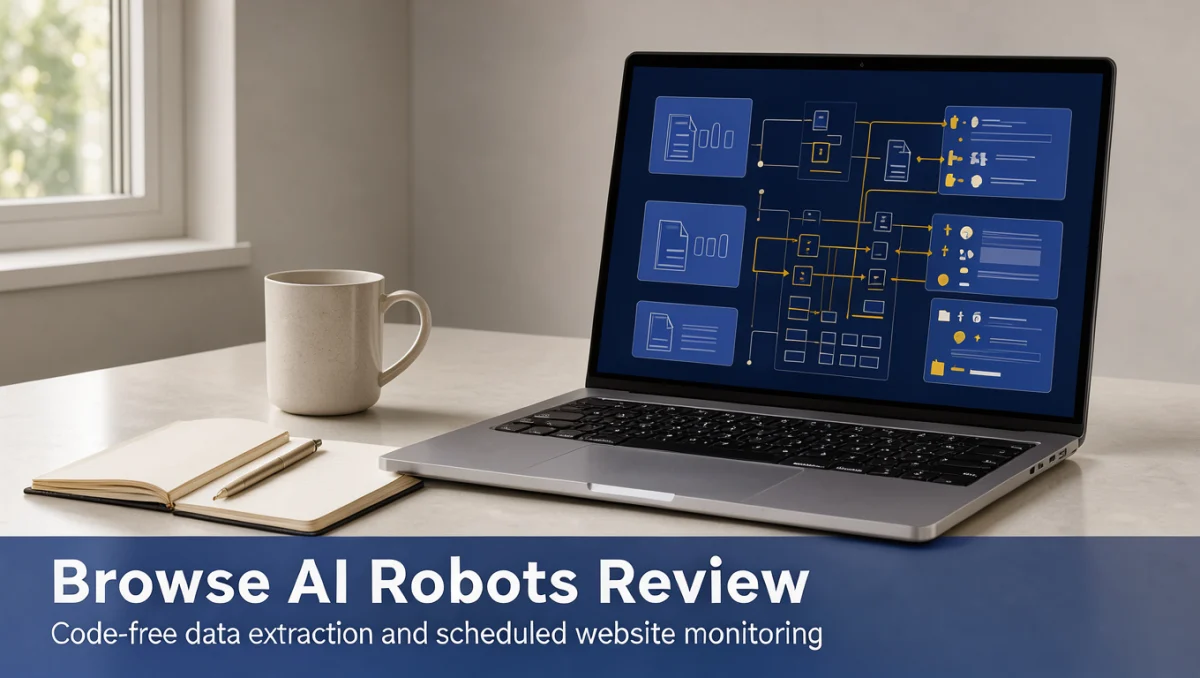
Browse AI robots are specialized software agents that pull organized information from websites and detect when pages change, all without manual effort. Within the Artificial Intelligence automation space, many buyers want to collect web data without building fragile scrapers from scratch. Our goal here is to show how these components work so you can judge whether they suit your team.
Traditionally, gathering web data meant maintaining code that broke every time a site redesigned its layout. With browse ai robots, you teach a monitor by performing actions on screen, and it turns messy web interfaces into clean spreadsheets or scheduled alerts. Even so, you should review run limits and setup requirements before signing up for any extraction service.
Quick verdict: Browse AI scores 7.6/10 overall. It fits marketing teams, operations researchers and small businesses that need simple web data extraction with minimal engineering effort. It is less suited to developers who want full command-line control over headless browsers, or to organizations with strict data compliance rules.
| Metric | Summary Details |
|---|---|
| Trustreviewsx score | 7.6/10 |
| Best for | Professionals who want code-free webpage extraction and scheduled change monitoring |
| Not ideal for | Engineering teams committed to running their own scraping infrastructure or custom headless code |
| Key strengths | Visual robot training, automated site monitoring, and structured data output |
| What to check before buying | Monthly extraction credits, run frequency rules and concurrency limits on the official vendor site |
1. How Trustreviewsx Reviewed Browse AI
We assessed what Browse AI is designed to do, who it serves and how it stacks up against similar tools. Our evaluation covers seven criteria: features, ease of use, pricing and value, integrations, audience fit, support and competitive position. Plans, prices and limits change frequently, so always confirm current details on the official website before purchasing. This article was researched and drafted with AI assistance, then reviewed and edited by the Trustreviewsx Editorial Team.
2. What Is Browse AI and Who Is It For?
Browse AI is a no-code platform for web automation and data extraction. Its central idea is configuring automated units called robots that navigate target sites, locate chosen text or image fields and save those records in a repeatable way.
Rather than writing parsing scripts in languages such as Python, you record your clicks and scrolling to build the workflow. The service suits growth teams tracking competitor pricing, researchers compiling directory listings, and operations managers who want alerts when specific web content changes.
By turning manual collection into scheduled jobs, the application lets non-technical staff set up repeatable data pipelines. Before committing, check whether your target sites use anti-bot defenses that could interrupt ongoing monitoring.
3. Core Features of Browse AI Robots
Knowing the main capabilities helps you decide whether the platform covers your daily data needs.
3.1. Visual Robot Training and Recording
The visual setup lets you show a robot how to work through a website. By opening a page and clicking headlines, price tables or item descriptions, you tell the software which fields to capture.
The system recognizes pagination patterns and scrolling behavior, so a robot can gather items across several consecutive pages. Verify on the official website how the recorder handles interactive elements such as drop-down menus or pop-up dialogs before rolling it out.
3.2. Automated Website Change Monitoring
Beyond one-off extraction, the software can continuously watch target pages. You schedule robots to revisit URLs at chosen intervals to catch price changes, stock shifts or headline updates.
When something changes, the software sends notifications and keeps a record of the differences over time. This is useful for businesses tracking competitor catalogs without manually browsing store pages.
3.3. Data Structuring and Download Options
Raw web data often includes unwanted formatting, extra whitespace or nested code. The platform arranges collected records into structured tables ready for spreadsheet analysis.
Results can be viewed in the application dashboard or exported as standard spreadsheet files. Teams running ongoing operations should check how this output connects to wider reporting workflows by reviewing current connectivity details on the vendor site.
4. Ease of Use and Learning Curve
The visual approach sharply reduces the friction that usually comes with web data extraction. New users tend to grasp the point-and-click training method quickly because it resembles everyday browsing.
Difficulties can arise when target sites rely on complex interactive scripts or multi-step verification prompts. In those cases, non-technical users may need to adjust selectors or re-record instructions to keep results consistent.
The management dashboard organizes existing robots, recent runs and error notifications clearly. This layout keeps managing several collection tasks manageable even for operators without database experience.
5. Pros and Cons of Browse AI Robots
Every platform offers practical advantages alongside trade-offs that organizations should weigh carefully.
5.1. Advantages
- Lets non-programmers build working extraction tasks without writing code.
- Combines scheduled site monitoring with historical change detection.
- Extracts structured data across multi-page lists and paginated directories.
- Lowers the barrier to entry for market research and competitive intelligence.
5.2. Limitations
- Complex sites with irregular dynamic scripts may need frequent robot retraining.
- Large, high-volume harvesting projects may face throttling on certain domains.
- Teams needing deep server-side customization cannot modify the underlying runtime scripts.
6. Browse AI vs Similar Tools
When choosing a data extraction service, organizations often compare the platform with other tools on the market.
Octoparse offers a comprehensive visual scraping environment built for large data collection projects, and it is often preferred by users who want deeper configuration flexibility. By contrast, Browse AI emphasizes fast visual setup and effortless scheduled monitoring for business professionals.
Apify targets technical developers with programmable cloud actors, customizable code containers and full headless browser environments. Apify gives software engineers granular control, while Browse AI offers a simpler route for teams that prefer zero code maintenance.
Import.io has traditionally focused on enterprise-scale extraction and managed services. Teams choosing between these options should decide whether they prefer self-guided visual robot setup or a dedicated enterprise vendor engagement.
7. Who Should Use Browse AI Robots?
Different roles get different value from automated extraction software.
7.1. Freelancers and Consultants
Independent professionals often compile market overviews, lead lists or competitor benchmarks for clients. The visual recorder lets solo operators gather market data quickly without hiring developers or maintaining servers.
7.2. Small Business Owners and Marketers
Marketers tracking retail catalogs, local business directories or partner inventory save considerable time. The monitoring feature helps small teams stay aware of external price changes automatically.
7.3. Operations Teams
Operations staff who pull recurring reports from vendor portals benefit from scheduled robot runs. Automating these repetitive retrievals removes copy-and-paste errors from internal spreadsheets.
7.4. Teams That May Not Benefit
Development units that prefer building custom scraping frameworks with proxy rotation, complex browser fingerprints and raw script control will find visual recorders restrictive. Highly regulated institutions that prohibit third-party data processing should also review data governance constraints carefully.
8. How to Choose the Right Plan
Compare vendor packages based on your expected collection volume rather than promotional tiers alone.
| What to Check on the Official Site | Why It Matters |
|---|---|
| Extraction run quotas | Each robot run uses allocated tasks, so project scope determines the tier you need |
| Monitoring frequency intervals | Some workflows require frequent checks, which may only be available on higher plans |
| Concurrent task execution | Running several robots at once requires enough operational capacity |
| Team collaboration seats | Adding colleagues to manage robots affects your monthly cost |
9. Frequently Asked Questions
What should buyers evaluate when setting up their first robot?
Examine how stable the target site's layout is, confirm pagination behavior and test whether extracted fields populate correctly across different product categories before scaling up.
How do dynamic websites affect robot reliability?
Sites that rewrite their internal code or render pages dynamically can break visual selectors, so operators may need to retrain robots to keep data flowing.
What should teams budget for beyond the base subscription?
Plan for possible third-party integration connectors, storage for downloaded files and the staff time needed to check data quality periodically.
Should non-technical operators prepare data cleaning workflows?
Yes. Setting up spreadsheet validation rules or import filters is wise, since external pages sometimes contain irregular symbols, empty values or unexpected formatting.
10. Final Verdict
The platform stands out as an accessible option for professionals who need structured web intelligence without engineering overhead. Independent reviewers at Trust Reviews X focus on objective functionality to help software buyers navigate the digital landscape.
| Criterion | Score /10 | Reason |
|---|---|---|
| Features | 7.8 | Offers practical visual recording, pagination handling and scheduled change alerts |
| Ease of Use | 8.4 | Point-and-click training lets non-programmers launch extraction tasks quickly |
| Pricing and Value | 7.2 | Buyers should compare execution allocations against their expected monthly run volumes |
| Integrations | 7.0 | Check supported export destinations and webhook availability on the vendor site |
| Audience Fit | 8.0 | Well suited to growth marketers, operations staff and researchers wanting no-code automation |
| Support | 7.1 | Review available technical guidance channels and documentation libraries |
| Competitive Position | 7.5 | Sits clearly between simple browser plugins and developer-focused scraping clouds |
Overall Trustreviewsx Score: 7.6/10
For teams wanting a visual way to gather competitive data, Browse AI provides an intuitive method to deploy automated web monitors without coding. Before buying, confirm your monthly extraction volume and frequency needs directly on the vendor website.
If you have questions about choosing data automation tools, reach out to our team at https://trustbenchx.com/contact/ or follow Trustreviewsx on LinkedIn at https://www.linkedin.com/company/trustreviewsx/ for regular software updates.
See More Trust Bench X