
Trustreviewsx may earn a commission when you buy through links on this page, at no extra cost to you. This does not affect our ratings.
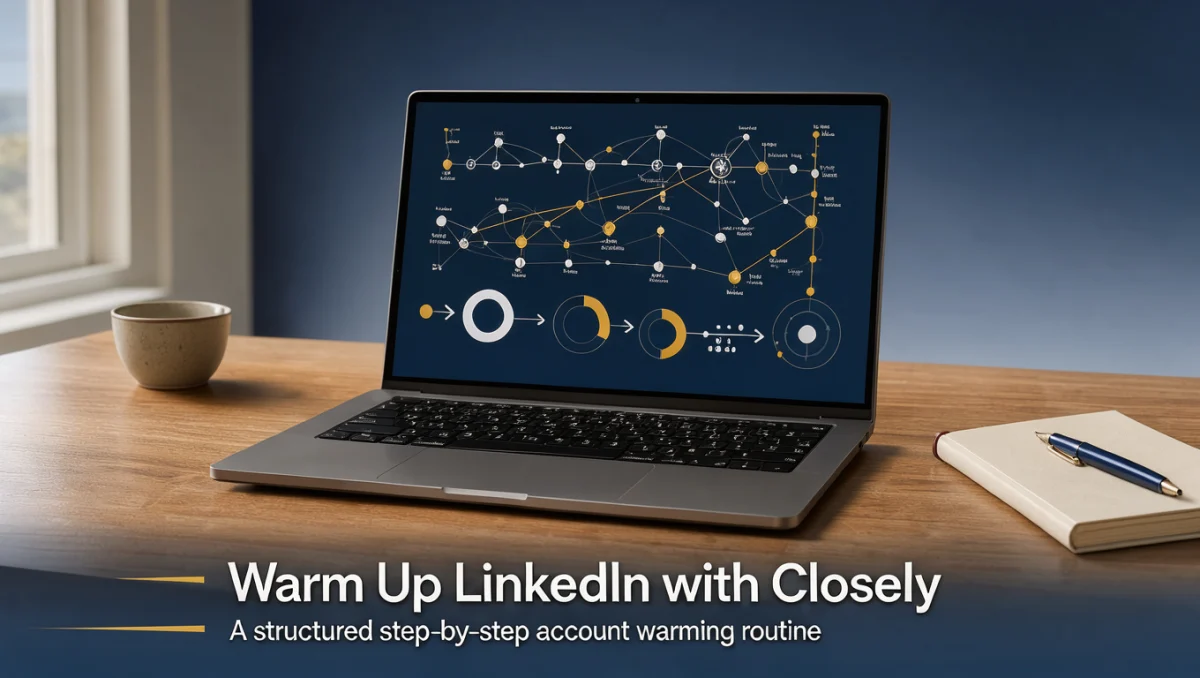
How to warm up LinkedIn accounts with Closely LinkedIn automation is a foundational process for sales professionals, recruiters, and founders who want to establish outreach credibility while keeping their profiles in good standing. Moving directly into high-volume messaging risks triggering safety checkpoints, which makes a deliberate warm-up period essential for every profile.
At Trustreviewsx, we evaluate lead generation workflows by examining how teams establish baseline activity before launching full campaigns. By pacing your profile interactions and coordinating software activity with genuine relationship building, you protect your professional reputation and lay the groundwork for sustainable prospecting.
Quick answer: Warming up a profile requires gradually increasing manual interactions first, connecting your profile to Closely, setting modest initial connection limits, and pacing message volumes across several weeks. This steady progression allows network algorithms to recognize regular communication patterns before you initiate broader outreach campaigns.
| Aspect | Details |
|---|---|
| Who this guide is for | Marketers, sales representatives, and business owners preparing LinkedIn profiles for automated networking. |
| What you need before starting | A complete LinkedIn profile, verified login credentials, a defined target audience, and active access to Closely. |
| What you will have at the end | A seasoned LinkedIn profile running sustainable outreach sequences with stable engagement indicators. |
1. How Trustreviewsx Put This Guide Together
This guide combines what the software covered here is built to do with the Trustreviewsx buying framework, so you can make the decision that fits your business. Plans, prices and limits change often, so we point out what to confirm on the official website before you buy. This article was researched and drafted with the help of AI tools, then reviewed and edited by the Trustreviewsx Editorial Team.
2. Before you start
Preparing your profile before activating any automation schedule prevents unnecessary account interruptions. Automation software amplifies your existing presence, meaning incomplete profiles produce lower acceptance rates and draw scrutiny from network algorithms.
- Complete all public profile sections, including a clear headshot, comprehensive background summary, and accurate work history.
- Verify that your account has active two-factor authentication enabled to ensure session stability during automated tasks.
- Establish an initial organic network by connecting with colleagues, past clients, and known industry peers manually.
- Review the official Closely documentation regarding account pairing recommendations and system prerequisites.
3. Step-by-step workflow
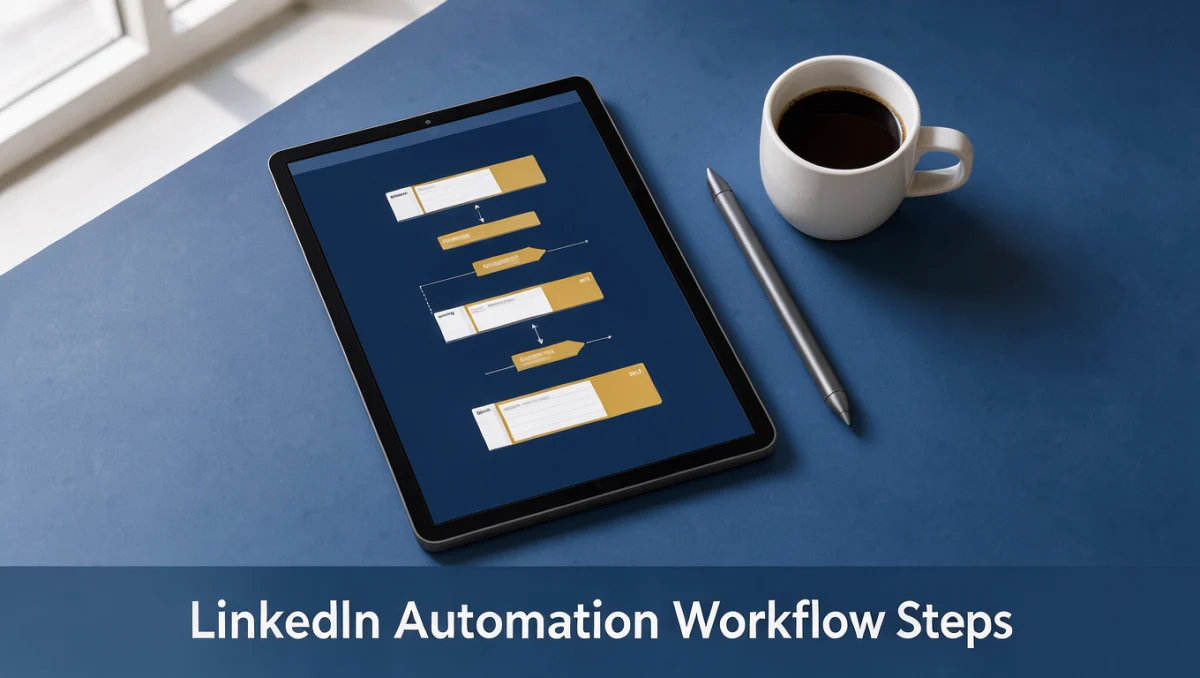
Executing an intentional warm-up sequence protects sender reputation while creating authentic dialogue with prospective contacts. Following a steady progression ensures your account builds credibility naturally over time.
- Audit your profile readiness: Ensure your headline clearly states who you help and what problems you solve. When prospective leads visit your profile after receiving an automated touchpoint, immediate clarity improves connection acceptance rates. Readers exploring modern Marketing strategies recognize that profile positioning directly influences outreach conversion metrics.
- Establish natural browsing behavior: Spend the initial days engaging manually with industry posts, leaving thoughtful comments, and sharing relevant articles. Generating organic interaction signals to platform algorithms that a genuine human operator manages daily account interactions.
- Connect your profile to Closely: Follow the pairing guidelines provided on the official Closely portal to link your profile securely. Confirm on the official Closely website how session management operates so your daily browsing remains harmonized with background automation.
- Initiate modest introductory sequences: Launch introductory contact campaigns configured with conservative daily thresholds. Mastering how to warm up linkedin accounts with closely linkedin automation means prioritizing message personalization and gradual cadence over rapid list expansion.
- Monitor interaction feedback: Track pending invitation ratios and incoming replies daily. Adjust messaging copy immediately if acceptance rates drop, as high pending backlogs can impact account health across lead generation networks evaluated by Trust Reviews X.
4. Your first 30 days
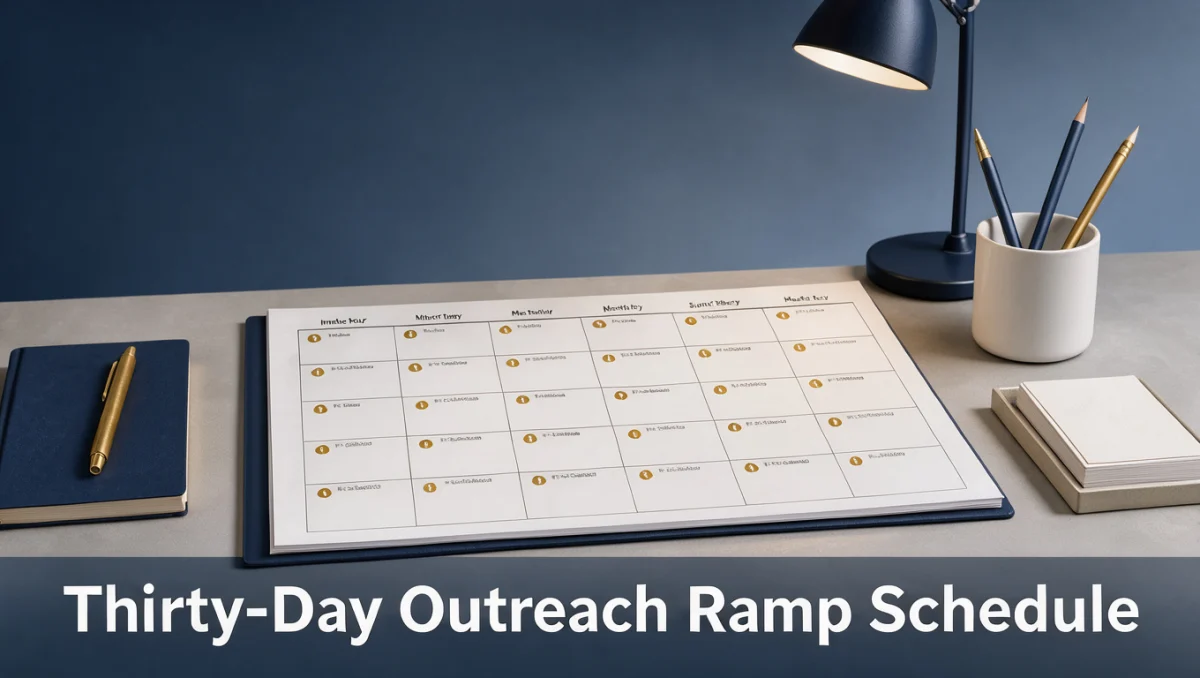
A thirty-day ramp plan provides a clear structure for balancing organic interaction with scheduled software activity. Maintaining disciplined increments helps your profile adapt smoothly to expanding outreach routines.
| Week | Routine to build | Why it matters |
|---|---|---|
| Week 1 | Browse feeds manually, post status updates, and send a few direct connection requests by hand. | Establishes natural human presence and validates that account credentials function without warnings. |
| Week 2 | Connect account to Closely, launch profile-view actions, and keep connection invitations minimal. | Acclimates platform detection systems to automated background visits without sending heavy outbound text. |
| Week 3 | Begin automated connection sequences with tailored notes while maintaining manual feed commenting. | Tests audience resonance and generates initial outbound acceptance metrics safely. |
| Week 4 | Introduce multi-step follow-up messaging for accepted contacts while auditing pending invitations. | Transitions the profile into an active prospecting engine without exceeding recommended operational thresholds. |
5. Common mistakes and how to avoid them
Overlooking basic precautions during account setup often creates operational friction. Recognizing common outreach missteps ensures your prospecting efforts yield consistent business conversations.
- Ramping sending volumes too quickly during the opening week, which signals inorganic activity to platform monitors.
- Failing to withdraw old, ignored connection requests, resulting in an accumulated queue of pending invitations.
- Using identical, generic invitation copy across different industries rather than tailoring messaging to specific job functions.
- Neglecting real-time inbox management, leaving warm responses unattended while automated sequences continue dispatching follow-ups.
- Running simultaneous automation tools on a single profile, which introduces conflicting session requests and triggers security checkpoints.
6. When to ask for help
Recognizing operational limits ensures that minor technical hurdles do not compromise your sales pipeline. In certain scenarios, professional support or vendor guidance becomes necessary.
- Repeated session disconnections occur between your profile and Closely despite entering verified credentials.
- You encounter platform security challenges or identity verification requests during normal sequence execution.
- Connection acceptance rates remain persistently depressed across multiple audience segments, indicating profile alignment issues.
- Your organization requires custom workflow architecture or centralized governance for multi-seat sales development teams.
7. Frequently asked questions
How long does a proper account warm-up take?
A standard warm-up cycle generally requires three to four weeks of deliberate pacing. This timeframe allows network safety systems to register consistent, incremental activity patterns before higher-volume messaging commences.
Why should pending connection requests be withdrawn regularly?
Accumulating hundreds of unaccepted connection invitations indicates to platform algorithms that recipients find your outreach unsolicited. Pruning unaccepted requests weekly keeps your invitation-to-acceptance ratio balanced and protects account reliability.
What role does profile completeness play during outreach?
Recipients evaluate connection invitations by viewing the sender headline, summary, and experience. Complete profiles establish professional legitimacy, directly supporting higher response rates across automated touchpoints.
Should manual activity stop once Closely is running?
Manual activity should continue alongside automation. Liking posts, contributing to industry discussions, and answering inbound inquiries manually creates a natural blend of actions that reflects authentic network participation.
8. Next steps
Establishing an effective LinkedIn warm-up routine provides a durable foundation for ongoing business development. Follow these practical steps to advance your outreach pipeline responsibly.
- Conduct a comprehensive profile review to ensure your headline and summary reflect your primary value proposition.
- Review the official Closely knowledge base to confirm current setup protocols and system guidelines.
- Outline your thirty-day outreach schedule following conservative volume increments.
- Draft segmented message sequences tailored specifically to the pain points of your target audience.
Have a question about choosing software? Send it to the Trustreviewsx team through our contact page or follow Trustreviewsx on LinkedIn for new reviews and comparisons.