

Trustreviewsx may earn a commission when you buy through links on this page, at no extra cost to you. This does not affect our ratings.
How to write charts with jane app is a question shared by many health practitioners transitioning to paperless record-keeping. Establishing a structured charting workflow helps practitioners capture patient progress clearly while reducing time spent on administrative tasks at the end of each session. At Trustreviewsx, we evaluate operational software to help clinic teams standardize their daily operations.
Documenting clinical notes in practice management software requires clear clinical boundaries, structured intake data, and consistent sign-off procedures. Learning how to write charts with jane app allows solo practitioners and multi-disciplinary teams to maintain compliance while keeping patient notes legible, unified, and easy to consult over time.
Quick answer: Writing charts with Jane App involves preparing intake intake details, selecting or creating a standardized clinical template, recording narrative and objective findings during or immediately following appointments, and signing the entry to finalize the medical record for legal retention.
| Who this guide is for | What you need before starting | What you will have at the end |
|---|---|---|
| Allied health practitioners, therapists, and clinic managers | Patient intake records, treatment plans, and professional documentation requirements | A signed, secure, and compliant electronic chart entry |
1. How Trustreviewsx Put This Guide Together
This guide combines what the software covered here is built to do with the Trustreviewsx buying framework, so you can make the decision that fits your business. Plans, prices and limits change often, so we point out what to confirm on the official website before you buy. This article was researched and drafted with the help of AI tools, then reviewed and edited by the Trustreviewsx Editorial Team.
2. Before you start
Before creating a single chart entry, clinic staff should assemble the necessary administrative foundations. Digital record systems depend on clean background details to ensure treatment records remain legally sound and organized across multi-session care plans.
- Completed patient intake questionnaires, consent agreements, and medical history documents.
- Standardized billing and diagnostic codes appropriate for your healthcare discipline and local jurisdiction.
- Agreed clinic charting conventions, including standardized acronyms and progress note formats such as SOAP or narrative styles.
- Verified administrative permissions to ensure your user profile can author and sign clinical files.
3. Step-by-step workflow
Documenting clinical visits effectively requires a repeatable process that flows naturally with patient interaction. Reviewing the official documentation from the provider confirms technical configurations, while the following workflow outlines the professional charting steps.
- Verify patient identification and appointment context: Confirm that the patient chart corresponds precisely with the current visit date and booking profile to prevent mismatched treatment records.
- Choose an appropriate template structure: Select a chart layout configured for your discipline, whether standard subjective-objective assessment plans or specialized narrative questionnaires.
- Transcribe subjective updates and objective measures: Document the information reported by the patient regarding symptoms alongside physical observations, range of motion tests, or therapeutic interventions conducted during the appointment.
- Formulate assessment notes and treatment goals: Summarize clinical insights based on session findings, detailing how the patient is progressing toward functional targets.
- Outline the future care plan: Detail specific home exercises, referral recommendations, and scheduling intervals suggested for subsequent appointments to maintain continuous care.
- Sign and lock the record: Finalize the document through the electronic signature action to safeguard record integrity and prevent unauthorized post-session modifications.
4. Your first 30 days
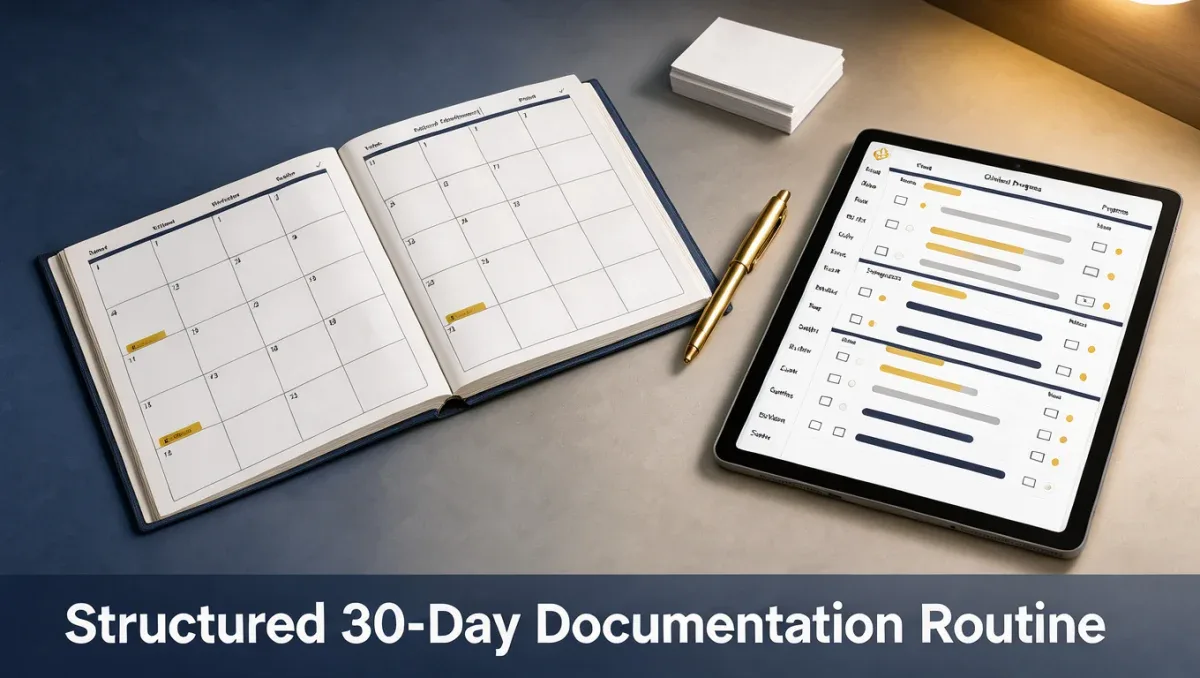
Building good habits early ensures chart completion does not turn into late-night documentation debt. The editorial team at Trust Reviews X recommends following a structured schedule during your initial operational month.
| Week | Routine to build | Why it matters |
|---|---|---|
| Week 1 | Assemble core templates aligned to standard visit types | Prevents retyping common diagnostic prompts and speeds up entry creation |
| Week 2 | Practice chart closing within thirty minutes of session conclusion | Maintains recall accuracy while treatment observations are fresh |
| Week 3 | Audit historical notes for consistent phrasing and coding | Ensures compliance standards are met across different practitioners |
| Week 4 | Review chart export and external sharing readiness | Verifies notes are legible for insurer inquiries or legal medical transfers |
5. Common mistakes and how to avoid them
Clinicians managing digital documentation often encounter hurdles that reduce note clarity or cause administrative backlogs. Paying attention to everyday practice routines helps prevent these setbacks.
- Leaving charts in draft status: Failing to complete electronic signatures creates compliance risks and leaves clinical entries open to inadvertent changes.
- Overloading notes with repetitive boilerplate: Copying excessive unedited text across recurring sessions dilutes meaningful observations and obscures actual patient progress.
- Neglecting specific objective tracking: Relying purely on narrative impressions without recording concrete metrics makes defending ongoing medical necessity challenging during audits.
- Disregarding patient communication preferences: For clinics prioritizing patient interaction and Customer Service, missing personalized notes can weaken practitioner-client rapport over multiple visits.
6. When to ask for help
While electronic charting provides structure, certain situations demand external intervention or administrative coordination. Recognizing when to seek outside guidance keeps clinic operations running smoothly.
- Discipline-specific regulatory inquiries: When uncertain about required retention terms or legal signature criteria, consult your regional professional association or a legal healthcare specialist.
- Complex billing code mapping: If third-party insurer audits challenge clinical note descriptions, work with a professional medical billing specialist to harmonize documentation terminology.
- System configuration challenges: If template sharing among clinic associates fails or practitioner signing roles appear improperly configured, consult the official Jane App knowledge base or contact the vendor support team for administrative setup advice.
7. Frequently asked questions
How long does it take to complete clinical notes for each session?
Completion time varies based on session complexity and the structure of clinical templates. Practitioners who establish focused prompts often complete charting within five to ten minutes per appointment. Creating standardized templates for initial consultations versus routine follow-up visits significantly reduces charting time while maintaining clinical thoroughness across busy treatment days.
What should a practitioner do if an error is noticed after signing a chart?
Medical documentation regulations prohibit deleting or altering finalized healthcare records. When corrections are necessary after signing, industry standard practice requires adding a signed clinical amendment or addendum. This attachment clearly identifies the modification, states the rationale for the update, and records the current timestamp alongside original entries.
Can chart templates be shared across multiple practitioners within a clinic?
Multi-practitioner clinics frequently share chart structures to keep treatment recording uniform across the facility. Clinic managers typically establish master templates tailored to specific treatment modalities, allowing incoming practitioners to maintain record consistency. Individual clinicians can confirm administrative template sharing options directly within their organizational settings on the official platform.
Are digital signatures necessary for legal record-keeping compliance?
Most professional licensing boards and commercial insurance payers require verifiable signatures to authenticate clinical authorship. An unsigned chart generally remains classified as an incomplete working draft, which can jeopardize insurance reimbursements during documentation reviews. Signing charts promptly upon session completion ensures adherence to regulatory standards across healthcare specialties.
8. Next steps
Moving toward reliable charting routines improves both patient care continuity and clinic peace of mind. Taking deliberate steps over the coming days will strengthen your charting workflow.
- Audit your current clinical template prompts to ensure they capture required professional licensing data.
- Establish a daily routine where every chart note is completed and signed before leaving the clinic.
- Confirm account permissions and privacy settings directly on the official Jane App website to align with regional standards.
- Review charting procedures quarterly with fellow practitioners to maintain clear and uniform documentation habits across the organization.
Have a question about choosing software? Send it to the Trustreviewsx team through our contact page or follow Trustreviewsx on LinkedIn for new reviews and comparisons.