
Trustreviewsx may earn a commission when you buy through links on this page, at no extra cost to you. This does not affect our ratings.
Weighing the zenzap pros and cons starts with a simple question: does putting conversations and task lists in one place save your team time, or does it add a new layer to manage? In the collaboration software market, that tension defines whether a platform fits. Before any rollout, teams should map where a single messaging hub brings order and where it can create overhead.
At Trust Reviews X, we look at workplace tools without favoring any vendor. The real test is how threaded discussions, task assignments, and shared reference material behave during an ordinary working week, not how they look in a demo.
Quick answer: Zenzap combines direct conversations with built-in task tracking and team notes in one workspace. Its main drawback is that it works best when everyone follows the same habits. Small, distributed teams that need light coordination tend to gain the most and feel the trade-offs the least.
| Biggest strengths | Biggest limitations |
|---|---|
| Links chat threads directly to actionable assignments | Needs consistent team habits to keep channels tidy |
| Keeps project talk beside shared reference documents | Task features may feel thin next to dedicated project trackers |
| Cuts down on jumping between chat apps and to-do lists | Notification preferences take deliberate setup across a team |
1. How Trustreviewsx Built This Review
This review sets out what the software is designed to do and measures that against the Trustreviewsx buying framework, so you can judge whether it suits your business. Pricing, plan limits, and features change frequently, so confirm current details on the official website before purchasing. Research and a first draft were prepared with AI assistance, then checked and revised by the Trustreviewsx Editorial Team.
2. Where Zenzap Performs Well
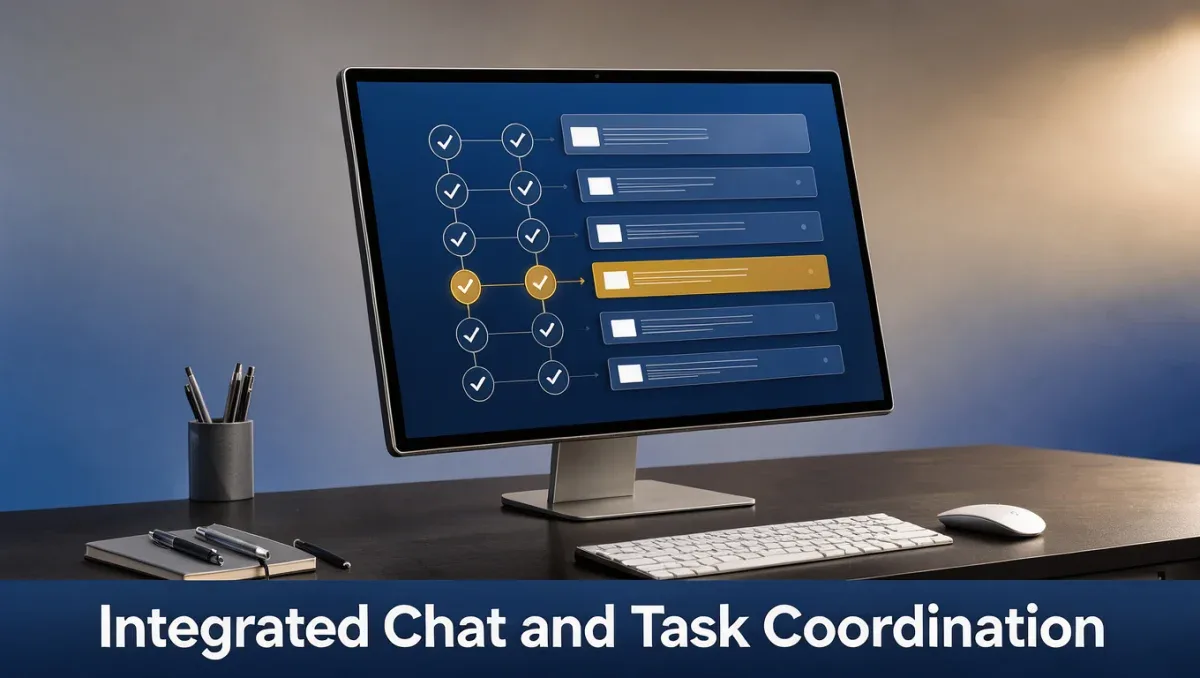
Zenzap reduces everyday friction by bringing team discussion and task coordination into a single, continuous workspace.
2.1. Turning conversations into assigned tasks
A discussion point can become an owned action item without leaving the chat. Because the task stays attached to its original context, whoever picks up the work can scroll back through the earlier exchange to understand the reasoning behind it.
2.2. Keeping documentation close to the work
Project briefs, team guidelines, and meeting notes can sit alongside the channels where they are discussed. Storing these inside the messaging environment makes it less likely that important material gets buried across separate cloud drives.
2.3. Fewer app switches each day
Direct messages, group topics, and task status all live in one place, so people spend less time checking several standalone apps to see where things stand.
3. Where Zenzap Falls Short

Bringing communication together has real benefits, but a few structural limits call for planning and ongoing oversight.
3.1. Reliance on consistent team discipline
If team members create loose tasks or skip status updates, channels can quickly become cluttered. Teams should agree on rules for channel use, task creation, and archiving to keep things orderly.
3.2. Limited depth for complex project management
Organizations juggling heavy dependencies, Gantt-style timelines, or large portfolio hierarchies may find the built-in task lists too basic. Teams with advanced tracking needs should confirm that these capabilities meet their requirements before committing.
3.3. Notification tuning takes effort
Mixing live conversation with task alerts can produce a heavy stream of notifications during busy periods. Each person should set alert preferences deliberately to avoid constant interruptions and protect focused work time.
4. The Trade-offs That Matter
Any team collaboration system asks you to accept certain trade-offs, and how much they matter depends on your team's maturity and working style.
| Strength | What it costs you | Who should accept the trade-off |
|---|---|---|
| Unified chat and task delegation | Ongoing training on how channels should be organized | Small to mid-sized teams that want simple alignment |
| Centralized document notes | Possible duplication if older document systems stay in use | Cross-functional squads trying to consolidate shared knowledge |
| Lightweight project tracking | No deep multi-stage portfolio management tools | Agile groups that value fast communication over rigid tracking |
5. Deal-breakers
Knowing where the boundaries are helps you avoid adopting software that conflicts with how your organization actually operates.
- Organizations that need formal dependency mapping, complex resource leveling, or advanced critical path analysis should look at dedicated project portfolio platforms instead.
- Workplaces with strict partner communication rules that depend heavily on open public channels may run into coordination friction.
- Teams that skip onboarding or won't enforce channel rules will likely end up with message clutter and misassigned tasks.
6. Frequently Asked Questions
Can a team replace both chat and project software with Zenzap?
Teams with simple tracking needs often manage to consolidate both into one platform. Companies handling multi-tier project dependencies or enterprise resource scheduling usually keep a dedicated project management system alongside their messaging tools. Review your workflow complexity on the official Zenzap website before retiring existing applications.
How steep is the learning curve for non-technical team members?
Basic messaging and task creation follow familiar digital workplace patterns, so initial onboarding is usually straightforward. The main thing people need to learn is sticking to standard channel structures and regular task updates. A short internal reference sheet helps the whole team participate consistently from the first week.
What should administrators check regarding user permissions?
Administrators should review privilege settings and guest access rules in the official Zenzap documentation. Confirming how roles, channel visibility, and document editing permissions work protects sensitive department discussions when contractors or external clients join a workspace.
When should a growing business consider other enterprise platforms?
Businesses expanding from departmental collaboration into global, multi-subsidiary governance may need specialized enterprise communication tools. If your organization requires advanced compliance archiving or custom workflow logic, comparing dedicated enterprise communication suites will give you a better fit with long-term IT governance standards.
7. Bottom Line
Zenzap balances fast conversation with practical task coordination, which makes it a sensible option for teams looking to simplify day-to-day work. Freelancers, agencies, and compact operational teams are likely to appreciate having discussions and actionable checklists in one environment. Enterprises with rigid reporting hierarchies, however, should carefully check their workflow requirements on the official Zenzap website before rolling it out across the whole organization.
Have a question about choosing software? Send it to the Trustreviewsx team through our Collaboration & Productivity section or contact us for new reviews and comparisons.