
Trustreviewsx may earn a commission when you buy through links on this page, at no extra cost to you. This does not affect our ratings.
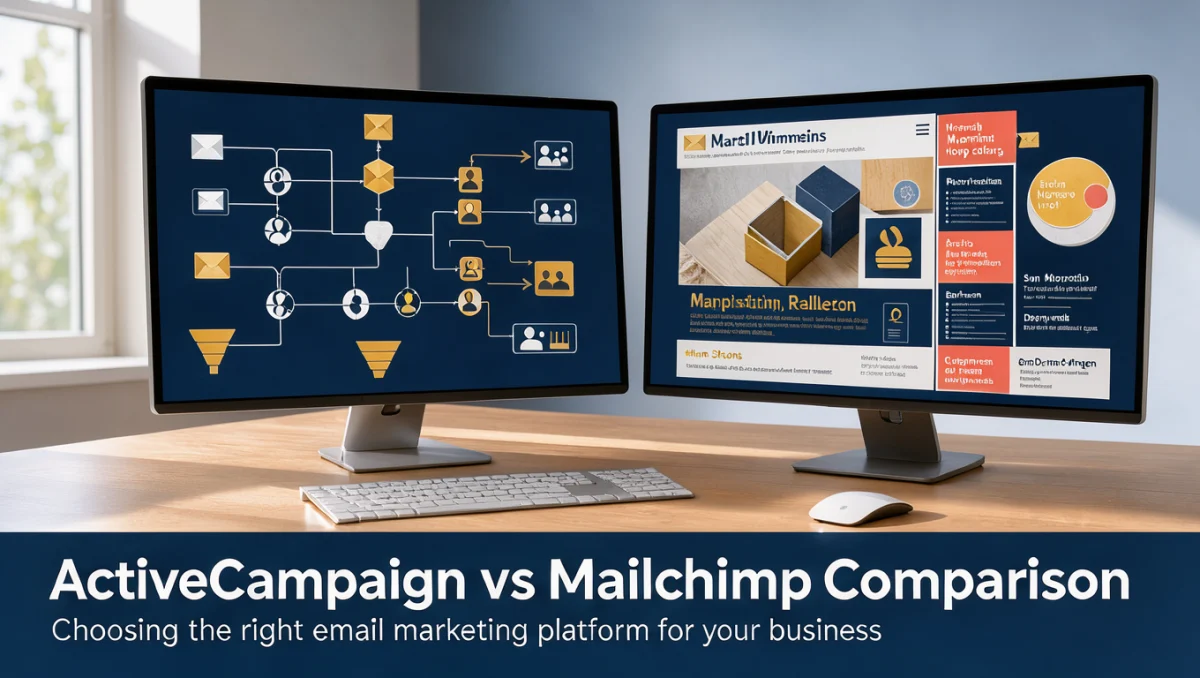
When teams weigh activecampaign vs mailchimp, they are really deciding between deep, behavior-driven automation with built-in contact tracking and a streamlined newsletter system built for straightforward campaign delivery. Both tools send broadcast emails, manage subscriber lists, and report on campaign performance, but they are architected for different operating realities. The right pick depends on whether your team needs branching workflow sequences or fast, template-driven distribution.
At Trustreviewsx, our evaluation looks at how each platform handles real business needs across initial setup, daily management, and long-term growth. If you are still exploring the wider email marketing landscape, our structured Marketing category guides help clarify where automation software separates itself from basic broadcast messaging.
Quick verdict: In this comparison, the overall score is 8.0/10. ActiveCampaign suits organizations building multi-step customer journeys that depend on pipeline automation. Mailchimp suits operators who want quick campaign creation and simple newsletters without learning a complex workflow builder.
| Metric | Summary Details |
|---|---|
| Trustreviewsx score | 8.0/10 |
| Best for | Teams that prioritize intricate customer journeys and contact record management |
| Not ideal for | Users who want a one-click newsletter setup with no workflow configuration |
| Key strengths | Deep workflow logic, contact lifecycle organization, flexible segmentation |
| What to check before buying | Subscriber tier thresholds and seat allocation policies on official pages |
1. How Trustreviewsx Reviewed ActiveCampaign vs Mailchimp
This review examines what ActiveCampaign and Mailchimp are built to do, who they serve, and how they compare with similar tools. We assessed them against seven Trustreviewsx criteria: features, ease of use, pricing and value, integrations, audience fit, support, and competitive position. Plans, prices, and limits change often, so we point out what to confirm on the official websites before buying. This article was researched and drafted with the help of AI tools, then reviewed and edited by the Trustreviewsx Editorial Team.
2. Short Answer: ActiveCampaign vs Mailchimp
The core difference lies in automation depth versus broadcast simplicity. ActiveCampaign centers on journey orchestration, event-driven messaging, and integrated sales pipeline management. Mailchimp centers on accessible content design, template management, and list-based newsletter delivery.
Organizations with dedicated marketing teams often prefer ActiveCampaign because it supports complex conditional logic and custom tracking across the subscriber lifecycle. Solo operators and content creators frequently choose Mailchimp for its approachable template system and minimal onboarding overhead.
3. Comparison Overview and Positioning

Understanding how each system positions itself helps you match a product architecture to your internal resources. Independent assessments on the Trust Reviews X software analysis portal stress matching team capability to software complexity rather than adopting features too early.
| Tool | Best for | Core strength | Consider if |
|---|---|---|---|
| ActiveCampaign | Teams wanting detailed automation paths | Conditional branching and contact management | Your marketing relies on behavior triggers |
| Mailchimp | Small brands needing quick newsletter delivery | Visual layout creation and audience lists | Your strategy focuses on regular broadcasts |
3.1. Core Architectural Differences
ActiveCampaign organizes its database around the individual contact, allowing multiple tags, field histories, and automated status changes to interact across campaigns. Mailchimp structures its system around audience lists, where subscriber management traditionally operates within defined audience boundaries. This architectural difference shapes how teams segment audiences and track buyer journeys across several touchpoints.
4. Features and Automation Capabilities
Email marketing platforms handle subscriber collection, automated follow-ups, template customization, and broadcast dispatch. ActiveCampaign links communication triggers to user behavior, web interactions, and deal stages. Mailchimp builds its features around visual content presentation, scheduled broadcasts, and standard sequential autoresponders.
4.1. Automation Logic and Triggers
ActiveCampaign provides an automation canvas supporting split paths, multi-condition filters, wait timers, and goal achievements within a single visual workflow. Teams can route subscribers based on previous link clicks, field changes, or pipeline status. Mailchimp provides journey maps for standard drip campaigns, welcome sequences, and transactional receipts, which serve teams that do not need multi-layered conditional branching.
4.2. Contact Management and Segmentation
ActiveCampaign relies on flexible tagging and dynamic custom fields that update automatically through workflow actions. Mailchimp uses tags, groups, and audience segments to organize contacts within individual lists. Buyers managing several brands or separate subscriber databases should confirm on the official Mailchimp pricing page how multiple audience lists affect billing.
5. Ease of Use and Navigation
The learning curve of any software directly affects adoption speed and daily productivity. Mailchimp emphasizes a user-friendly drag-and-drop editor that enables rapid email assembly without technical training. ActiveCampaign offers a capable layout, but its dense settings panels and deep automation options require dedicated configuration time.
5.1. Template Creation Workflow
Mailchimp delivers a polished visual editor where users arrange content blocks, images, and buttons with immediate visual feedback. ActiveCampaign also provides modern design tools, though users spend more time connecting emails into wider automated processes. Teams that need quick design turnaround for seasonal announcements often find Mailchimp more straightforward for basic layouts.
5.2. Campaign Setup and Launch Routine
Creating a one-time broadcast in Mailchimp follows a linear wizard that guides users through recipients, sender information, subject lines, and design review. ActiveCampaign supports similar broadcast steps but places equal emphasis on enrolling recipients into active workflows. Beginners unfamiliar with automation logic should review conditions carefully in ActiveCampaign to avoid unintended messaging loops.
6. Pricing Structure and Value Assessment

Both providers use subscription billing models that scale with audience volume and feature access. Subscription software in this category commonly ties recurring fees to total contact counts, sending volume, or administrative seat licenses. Evaluating value requires checking current tier structures on each vendor's site.
6.1. Cost Drivers to Examine
Many email platforms calculate tier thresholds based on stored contacts rather than active recipients, so unsubscribed addresses may still count toward monthly totals. Buyers should confirm on the official ActiveCampaign pricing page how contact status changes affect plan boundaries. Similarly, check the official Mailchimp pricing page to understand how audience list counts and duplicate contacts affect your monthly invoice.
| What to check on official pages | Why it matters | Who it matters most for |
|---|---|---|
| Contact count definitions | Determines whether unsubscribed records incur charges | Growing businesses with seasonal subscriber spikes |
| Administrative seat limits | Adding team members can trigger plan upgrades | Agencies and collaborative marketing departments |
| Monthly email send volume caps | High-frequency senders may hit volume thresholds | Daily newsletter publishers and e-commerce stores |
7. Integrations and Ecosystem Flexibility
Modern software connects with external databases, e-commerce storefronts, payment gateways, and analytics suites to keep records unified. ActiveCampaign links closely with customer relationship management systems and custom webhooks to track buyer activity. Mailchimp connects directly with widely used e-commerce systems, landing page builders, and social networks for unified campaign tracking.
7.1. Data Synchronization Across Systems
Marketing teams often need contact data to move between checkout portals and email lists without manual CSV imports. When evaluating integrations, confirm on the official ActiveCampaign website how contact fields synchronize with your existing store setup. Check the official Mailchimp website to verify how purchase history and abandoned cart triggers integrate with your store platform.
8. Audience Fit Across Business Types
Software selection succeeds when operational requirements match the product's focus. A solution that suits a boutique retailer sending weekly announcements may prove restrictive for a software company managing lead nurturing funnels.
8.1. Freelancers and Content Creators
Solo creators and newsletter writers generally benefit from Mailchimp because of its straightforward layout tools and minimal technical upkeep. When revenue depends mainly on occasional editorial letters rather than intricate sales sequences, Mailchimp's streamlined interface saves operational time.
8.2. Growing Teams and B2B Organizations
ActiveCampaign suits B2B service firms, digital agencies, and expanding commerce operations that need lead scoring and pipeline management. Teams tracking prospect engagement through sales discovery calls find value in ActiveCampaign because contact records keep comprehensive interaction histories across campaigns and pipelines.
8.3. Organizations That Should Look Elsewhere
Enterprises requiring dedicated on-premises deployment, bespoke database customization, or strict physical data isolation should consider specialized enterprise marketing suites. Very large teams with complex compliance rules may find standard subscription tools less flexible for internal governance.
9. Support Channels and Assistance
Access to technical guidance becomes vital when setting up automations or resolving domain delivery configurations. Marketing platform providers regularly adjust their support channels, live chat availability, and ticket response times based on subscription level.
9.1. Confirming Support Entitlements
Prospective subscribers should confirm on the official ActiveCampaign support page which communication channels come with each service tier. Users considering Mailchimp should review the official Mailchimp help page to see whether live chat, ticket submission, or phone assistance matches their planned account level. Checking these details beforehand avoids surprises during time-sensitive campaign launches.
10. Competitive Position in the Market
ActiveCampaign and Mailchimp both hold defined roles in the marketing technology ecosystem. Mailchimp expanded from newsletter distribution into broader marketing utility, while ActiveCampaign focused its development on automation intelligence and customer experience. Each platform serves as an established benchmark within its operational focus.
11. How to Decide Between the Two Platforms
Choosing between these systems requires an honest assessment of your technical resources, communication frequency, and sales cycle complexity. Following a structured decision framework prevents premature migrations and wasted subscription spend.
- Define your primary message type: Determine whether your audience mainly receives weekly broadcast newsletters or customized, behavior-triggered sequences.
- Audit internal technical skills: Evaluate whether your team can build and maintain conditional workflows, or whether a drag-and-drop editor is preferable.
- Calculate your contact expansion rate: Project subscriber growth over the next twelve months to understand how tier increases affect total operating costs.
- Verify necessary connections: Confirm on official product directories that your payment processors, forms, and administrative tools integrate smoothly.
- Review subscription documentation: Inspect the official ActiveCampaign and Mailchimp pricing pages to confirm seat allocations, contact allowances, and current support policies.
12. Frequently Asked Questions
How should a buyer evaluate automation complexity before choosing?
Map your planned customer journey on paper before selecting a platform. If your communication sequence requires multiple branching paths, conditional delays, and field-based triggers, a dedicated automation architecture like ActiveCampaign is appropriate. If your sequence involves only a basic welcome message followed by weekly newsletters, Mailchimp handles those tasks with less setup effort.
What hidden costs should teams anticipate when adopting marketing software?
Subscription tiers often scale with total database size rather than active monthly recipients. Additional expenses can arise from purchasing extra team seats, integrating third-party data connectors, or hiring external specialists for workflow configuration. Reviewing official documentation on contact archiving rules helps prevent unexpected subscription jumps.
Should a business switch platforms if subscriber growth accelerates?
Migrating between email platforms involves transferring contact records, cleaning inactive subscribers, re-authenticating domain records, and rebuilding automated funnels. Teams should migrate only when their current software lacks functional capabilities required for revenue generation, not for visual preferences or minor interface adjustments.
How does team size influence software selection?
Multi-member marketing departments often need role-based permissions, collaborative workflow authoring, and shared pipeline management. Verify administrative access policies on official product pages to ensure multiple team members can work simultaneously without costly individual account upgrades.
13. Final Verdict
| Criterion | Score /10 | Reason |
|---|---|---|
| Features | 8.8/10 | Strong automation branching and contact lifecycle controls balanced against standard broadcast utilities |
| Ease of Use | 8.2/10 | Mailchimp provides straightforward visual editing while ActiveCampaign requires setup patience |
| Pricing and Value | 7.2/10 | Buyers must check subscriber thresholds and seat limits on official pricing pages |
| Integrations | 7.8/10 | Both platforms offer ecosystem connectivity that buyers should confirm before checkout |
| Audience Fit | 8.5/10 | Clear distinction between broadcast newsletter creators and behavioral automation teams |
| Support | 7.0/10 | Assistance channels vary across service tiers and require verification on official sites |
| Competitive Position | 8.7/10 | Both solutions maintain clear operational definitions within the marketing software category |
Overall score: 8.0/10
For teams focused on multi-step customer journeys, conditional messaging, and CRM pipeline tracking, ActiveCampaign is the more capable choice. For businesses, independent operators, and creators who need polished broadcast newsletters with minimal onboarding friction, Mailchimp offers an accessible and capable environment.
Readers with specific operational questions or software comparison inquiries can contact the Trust Reviews X team directly through our contact portal or follow Trustreviewsx on LinkedIn for regular software updates.